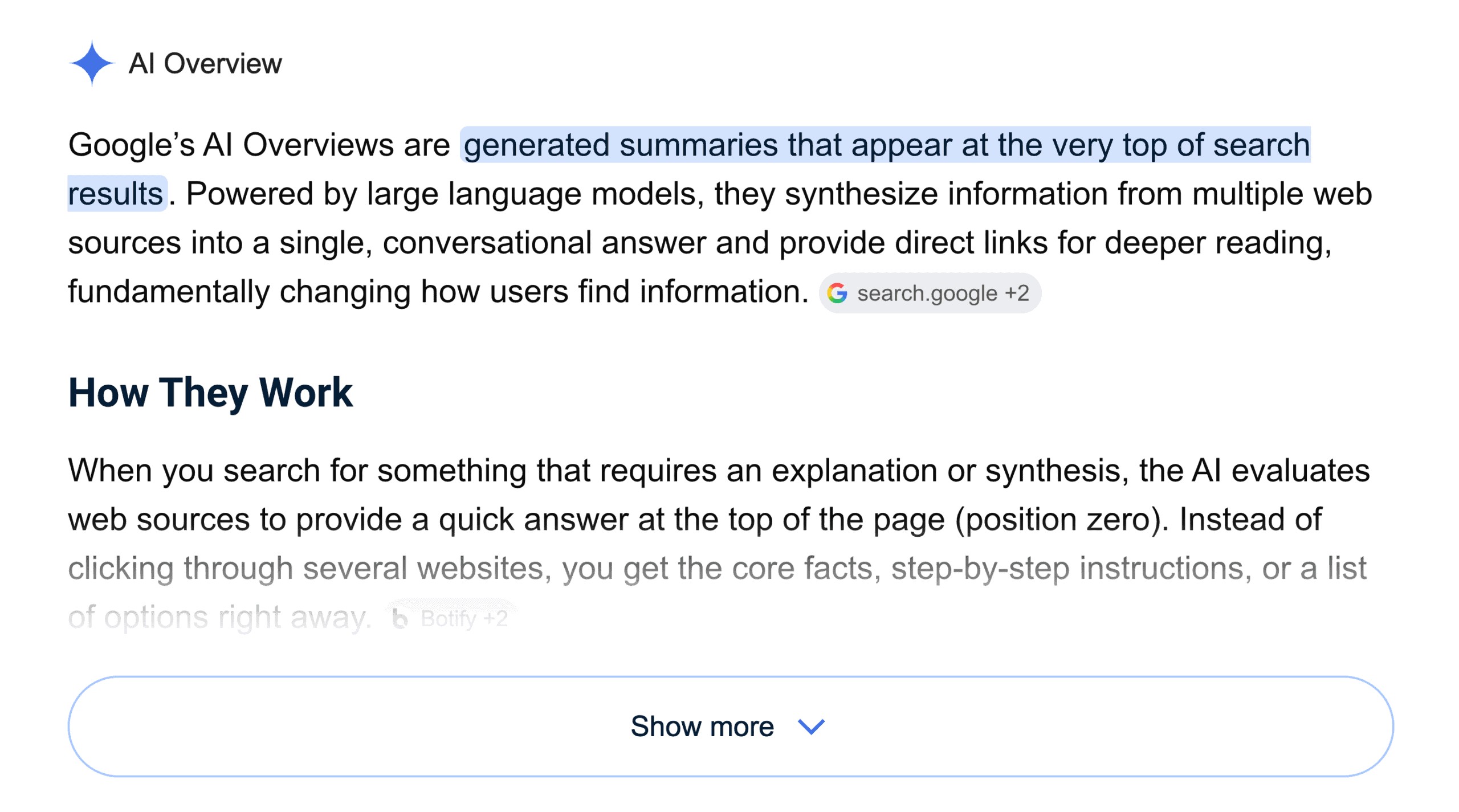
Your client ranks number one on Google. Fantastic. Amazing. Everyone’s happy.
Then Google drops a large AI-generated answer above them, cites three other websites, and gives the searcher most of what they came for before they’ve so much as twitched towards the first blue link.
And there it is: the cold, hard realization that ranking first organically no longer means your client appears first on the page.
To make matters worse, Ahrefs found that an AI Overview correlated with a 58% lower click-through rate for the page ranking first.
Fifty-eight percent.
I’ll give you a minute.
For all you lovely web designers and agency people, this changes what a strong Google result looks like. Page-one organic rankings still do good things for your clients, but AI Overview citations often put brands in front of searchers first.
So, if you’re trying to figure out how to rank in AI Overviews, here’s what Google is looking for, and what you can change to give your clients (and your own website) a better shot.
What Google herself says about ranking in AI overviews
Google’s official guidance on ranking in AI Overviews can be boiled down to a few main points:
- Keep doing good SEO: AI Overviews use Google’s existing search ranking and quality systems.
- Make sure the page can appear in search: It needs to be crawled, indexed, and eligible to appear with a snippet.
- Publish original, trustworthy content: Google wants first-hand knowledge, clear answers, and information that adds something new.
- Make the important information easy to access: Don’t hide your best answers inside images, videos, or page elements Google can’t read.
- Ignore the AI “hacks”: There’s no special AI schema, secret set of ranking factors, or need for a secret llms.txt file outline.
So, what does all of that look like on a client website?
10 ways to improve your AI overview rankings
Here’s what to fix, add, and rethink if you want your clients showing up in AI-generated answers.
#1 Get the technical SEO stuff sorted
Yes, we’re starting with crawling and indexing.
Google can’t cite a page it can’t reach, read, or index. Before anyone rewrites a ton of service-page FAQs, check the basics:
- Is the page indexed in Google Search Console?
- Is robots.txt blocking anything?
- Has someone left a noindex tag behind after staging?
- Do the canonical tags point to the right URLs?
- Can Google reach the page through internal links?
- Is the main information available as text?
- Does the content load properly on mobile?
- Does structured data match the visible page?
These checks help with AI visibility, but they’re also the basis of organic search. A blocked page won’t earn an AI citation, and it won’t do much for your standard rankings either.
#2 Target the right keywords and search intent
AI Overviews show up most often for direct questions, comparisons, longer searches, and topics that pull information from several sources.
A 2026 arXiv study found that AI Overviews appeared almost five times more often for question-based searches than across the sample overall: 64.7% versus 13.7%.
So questions are a very good place to start.
Your best ideas are probably already there in Google Search Console, sales-call notes, support tickets, Reddit threads, People Also Ask boxes, and the question your team has answered 73 times this year.
For you, that might mean:
- How much does a custom WordPress website cost?
- WordPress or Shopify: which should I use?
- What should a website maintenance plan include?
- Should I redesign my website or rebuild it?
Now, don’t create six flimsy pages for six questions. Write one strong page that answers the main question and its follow-ups.
#3 Make the answer easy to find
Nobody wants to scroll through your thoughts on the state of the industry before finding out what a maintenance plan includes.
Give them the answer.
A clear answer near the top helps the reader and gives Google a clean passage to cite.
For example:
“What does a website maintenance plan include?”
“A website maintenance plan usually covers software updates, backups, security checks, uptime monitoring, performance reviews, and a set amount of technical support.”
Then explain the details. Use a short definition, list, numbered process, or comparison table. This isn’t an instruction to turn the page into robotic snippets. Google says there’s no ideal chunk size or special AI writing format. Write naturally in your (or your client’s) brand voice.
For more on direct answers, trust signals, and pages that are easier to quote, head over to The Content Lab’s guide on how to optimise content for AI search.
#4 Build content clusters around follow-up questions
Google may run several related searches to gather enough information for an AI response.
Take “how much does a business website cost?” Google could also look for agency fees, freelancer rates, maintenance costs, eCommerce pricing, hosting, and the factors that change a quote.
Instead of forcing all of that into one increasingly wordy blog post, build the content around the questions someone is likely to ask next.
Start with the main question
Choose one clear primary question and answer it early.
A page about website pricing should give the reader a realistic starting range before talking about platforms, features, timelines, or maintenance fees. Don’t make them read 800 words to find out whether they can afford to keep reading.
List the questions that come next
Think about what someone would ask after hearing the first answer.
For website pricing, that might include:
- What changes the cost?
- Is an agency more expensive than a freelancer?
- How much does eCommerce functionality add?
- Are hosting and maintenance included?
- Is it cheaper to redesign an existing website?
Decide what needs its own page
Some questions need a paragraph. Others need a full guide.
Keep shorter answers on the main page. Give bigger subjects their own supporting article, then connect the two with a clear internal link.
For example, a website pricing content cluster could include:
- A website pricing guide
- A freelancer versus agency comparison
- An ecommerce website cost guide
- A website maintenance pricing page
- A redesign versus rebuild article
- A website brief template
Each page should answer a separate question rather than repeating the same information with slightly different keywords.
Link the content cluster together
Link from the main guide to the supporting pages, then link those pages back to the main topic where it feels natural. Use anchor text that tells the reader what they’ll find rather than “click here” or “read more.”
Good content clusters give Google more context and help readers reach the next answer without starting another search.
They also give your client several chances to appear across organic search, AI Overview citations, and related Google search results.
That’s what we want.
#5 Create content that AI can’t copy in 12 seconds
Google’s newer guidance uses the phrase “non-commodity content.” A little corporate, yes. But the point is good.
Don’t keep publishing articles that repeat what every other page says. If a robot can write the full thing while you make a cuppa, Google has plenty of versions already.
The strongest content adds something that belongs to you:
- Project data
- Before-and-after numbers
- First-hand lessons
- Screenshots from your process
- A mistake you made and fixed
- An opinion you can defend
- A framework your team uses
- A worked example
- A detailed case study
“Seven Benefits of Good Web Design” could come from anybody.
“What We Changed to Cut a Client’s Mobile Load Time From 6.2 Seconds to 1.8 Seconds” has a person, a project, and a specific outcome behind it.
The internet has enough introductions to responsive web design. We’re grand for those, thanks. But original info? That’s what gives people a reason to click.
#6 Back up what you’re saying
Before Google pulls your page into an AI Overview, it needs a few reasons to believe you know what you’re talking about.
So, give it some:
Put a name to the advice
Add the author’s name and a proper bio explaining their experience with the subject. If someone’s writing about technical SEO, website security, healthcare, finance, or anything else that could go horribly wrong, “Written by Admin” isn’t giving Google much to work with.
Show where the facts came from
If you mention a statistic, study, or piece of industry guidance, link to the original source. Don’t make Google (or the reader) go fishing for it. A number dropped into the page with a cheerful little “according to research” is useless.
Keep the page up to date
Add a publication date. Review older content. Replace dead links, old screenshots, and advice that stopped being accurate three Google algorithm changes ago.
Swap big claims for proper proof
Drop any vague statements. “Leading agency.” According to whom? “Award-winning.” Which award? “Trusted by businesses.” How many, and what did they trust you to do? Case studies, project numbers, screenshots, client examples, and named reviews give Google something solid to judge.
Keep your story straight
Your service pages, team bios, case studies, contact details, Google Business Profile, and directory listings should all tell roughly the same story.
If the website says healthcare, the Google Business Profile says “full-service marketing,” and every directory says “businesses of all sizes,” Google is left trying to work out what you’re known for.
#7 Build AI visibility outside your own website
Your website is allowed to say you’re brilliant. Naturally. It’s your website.
But you can get more brownie points from AI when credible places mention your team, quote your ideas, or review your work. (That includes anything from guest blogs, review sites, and directories to podcasts and case studies).
#8 Give people a reason to click the link in the AI overview
If Google has already given the reader a decent summary, your page can’t stop there.
Give them something extra:
- A calculator
- A template
- A checklist
- Original research
- A full pricing guide
- A worked example
- Screenshots
- A video
- A detailed comparison
- A case study
An AI Overview can explain a website planning session. It can’t show your agenda, questions, final brief, or what changed on a real project afterwards. You can.
#9 Optimise the pages people visit before they buy
Semrush tracked more than 10 million keywords from October 2024 to October 2025 and found AI Overviews creeping much closer to the sale.
Commercial searches climbed from 8.15% to 18.57%. Transactional searches went from 1.98% to 13.94%.
Which means Google’s AI isn’t sticking to beginner questions anymore. It’s turning up while people compare, price-check, and decide who gets the job.
So, don’t limit this work to the blog.
Review service pages, pricing guides, comparisons, case studies, process pages, and FAQs too. These pages answer the questions people ask when money is getting closer to the table.
#10 Keep track of AI overview performance
You’ve done the work. Now you need to know whether Google is picking any of it up.
Keep an eye on:
- Generative AI impressions: Is your site appearing in more AI-generated search results?
- Pages appearing in AI features: Which URLs is Google choosing?
- Organic traffic and clicks: Are people still reaching the site?
- Click-through rate: Are impressions growing while clicks drop?
- Branded searches: Are more people searching for the company by name?
- Organic rankings: Are the standard search positions holding steady?
- Leads from decision-stage pages: Are service, pricing, and comparison pages bringing in enquiries?
- Third-party mentions: Is the brand appearing on credible websites other than its own?
- Lead quality: Are the people arriving a decent fit?
A page might lose clicks while appearing in more AI answers. Another might send fewer visits but better-fit leads. AI overview performance really needs context and enough detail to explain a drop before the client emails, “Traffic is down???”
Is this content ready for AI overviews?
Here’s a quick little checklist for ya:
- Can Google crawl and index it?
- Does it answer one clear search need?
- Is the main answer easy to find?
- Does it cover follow-up questions?
- Does it include first-hand experience, data, or examples?
- Are claims backed up?
- Is the author named?
- Is the information current?
- Does it link to related content?
- Is there a reason to click rather than just reading the AI summary?
- Does it still sound like a human wrote it?
If you answered “sort of” to seven of those, congratulations. You’ve found your next content project.
The shortcut is: there isn’t one
AI Overviews might look like a brand-new search problem, but your chances of appearing in one still come back to two fundamental things: good content and good SEO. Get those two right, and you’ll be well on your way to appeasing the AI overlords.
Want to hear what other agency owners are seeing, testing, and trying? Come hang out with us in The Admin Bar community. You’ll find web and marketing people swapping ideas, sharing what they’ve learned, and asking the questions everyone else is thinking.
And if you want the deeper support, extra resources, and more of the “oh thank God, someone finally explained this properly” kind of stuff, Barflies is where the extra goodies live.

Abby Wood
As a long-time entrepreneur, content strategist, and business mentor, Abby has been helping founders and thought leaders find their voice for 16+ years. In 2019, she established The Content Lab, the content agency for brands that don't want to sound like everyone else. As AI-generated content continues to clutter our screens, Abby firmly believes that strategy-led originality will always be your brand’s biggest flex. She has appeared on many stages online and off, sharing her experience-backed lessons on all things copywriting, content marketing, personal branding, and more.