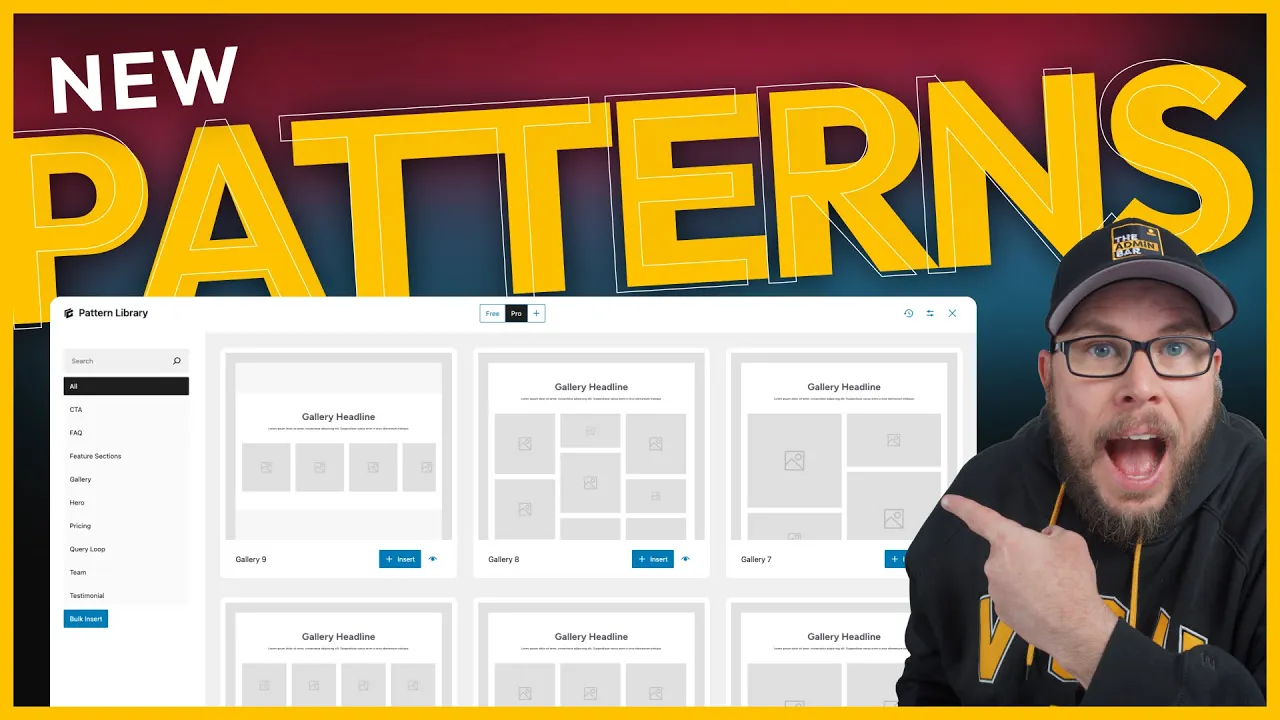
The latest release of GenerateBlocks 1.9 and GenerateBlocks Pro 1.7 introduces an entirely new pattern library. While it may seem simplistic at first glance, this library is incredibly powerful for rapidly prototyping wireframes and building scalable websites.
In this post, I’ll show you how to use the new pattern library to quickly create wireframes, customize them to fit your design, and leverage the class system to make global updates across your site.

Opening the Pattern Library
To get started, open a blank page in the editor.
- Click the GenerateBlocks logo in the top-right corner.
- Select Open Pattern Library.
The new pattern library is quite different from previous versions. Instead of heavily stylized and opinionated designs, the patterns are now more like wireframes.
Why Wireframes?
Wireframes offer several advantages:
- They are less restrictive, allowing you to customize them to fit your design.
- They inherit your theme styles, making them scalable and consistent across your site.
Exploring the Pattern Library
The pattern library interface includes:
- Search Feature: Quickly find specific sections.
- Category Buttons: Browse patterns by category, such as CTAs, FAQs, feature sections, heroes, and more.
Bulk Insert Feature
One of the most powerful features is the Bulk Insert button. This allows you to add multiple patterns to your page at once, saving time and effort.
Building a Page with Patterns
Let’s create a page using the pattern library.
Step 1: Add a Hero Section
Start by selecting a hero pattern.
Step 2: Add a Feature Section
Next, browse the Features category and choose a pattern that fits your design.
Step 3: Add Testimonials
Go to the Testimonials category and select a testimonial pattern.
Step 4: Add a CTA
Finally, add a call-to-action (CTA) section. For contrast, choose a dark-themed CTA pattern.
Once you’ve selected all the patterns, click Insert All.
Preview the Page
After inserting the patterns, hit Update and preview the page on the front end. You’ll see all the patterns added in just a few seconds, creating a complete wireframe for your page.
Customizing Patterns with Classes
The new pattern library takes full advantage of the class system in GenerateBlocks. Many patterns share reusable classes, allowing you to make global updates that reflect across all patterns.
Editing a Class
- Select an element (e.g., a headline).
- Check the class applied to it (e.g.,
GBP-section-headline). - Click into the class to edit it.
For demonstration, change the text color to red and increase the font size to 60px.
Global Updates
Once you edit the class, the changes will automatically apply to all elements using that class—even if they are part of different patterns.
This makes it easy to customize the patterns to match your site’s design and branding.
Real-Time Previews in the Pattern Library
The pattern library previews are not static images. Instead, they dynamically pull in styles from your website.
How It Works
After customizing a class, the changes are reflected in the pattern library. For example, if you update the headline style, the preview in the library will show the updated design.
This feature allows you to see exactly how the patterns will look on your site before inserting them.
Why This System Is a Game-Changer
The combination of wireframe-style patterns, reusable classes, and real-time previews makes the new GenerateBlocks pattern library incredibly powerful.
Key Benefits
- Rapid Prototyping: Build pages quickly by bulk inserting patterns.
- Global Control: Update shared classes to make changes across all patterns.
- Scalability: Patterns inherit your theme styles, ensuring consistency.
- Real-Time Previews: See how patterns will look on your site before inserting them.
Final Thoughts
The new pattern library in GenerateBlocks is a significant step forward for anyone who builds websites. Whether you’re creating wireframes, customizing designs, or working with templates, this system speeds up your workflow and ensures consistency across your site.
If you use templates or wireframes in your projects, I highly recommend trying out this new feature. It’s a powerful tool that can transform the way you build websites.

Kyle Van Deusen
After spending 15 years as a graphic designer and earning a business degree, I launched my agency, OGAL Web Design, in 2017. A year later, after finding the amazing community around WordPress, I co-found The Admin Bar, which has grown to become the #1 community for WordPress professionals. I'm a husband and proud father of three, and a resident of the Commonwealth of Virginia.
Use of AI: AI helps me outline, research, catch typos, and find better words & phrases. I take full personal responsibility for all my published content (the good, the bad, and the em dashed).