Skip to content
The Admin Bar
  • Get Involved
    • Facebook Group
    • Barfly Community
    • TABLE Mastermind
  • Learn
    • 2026 Survey
    • Articles
    • Events
    • Newsletter
    • YouTube
    • WordPress Professionals Survey
    • SEO Weekly
    • Security Weekly
    • Accessibility Weekly
  • Products
    • The Paid Discovery Class
    • Website Owner’s Manual
    • Agency Copilot
    • Website Pricing Calculator
    • Agency Airtable Pack
    • Prospect Pipeline Challenge
    • Easy-Peasy Proposal
    • TAB Swag
  • About
  • Free Stuff

How to Create Animated Background Gradient Text with CSS

Recently, I’ve been exploring animations, and one effect caught my attention: the animated background text featured on Google’s Gemini landing page. Google’s implementation is quite complex, using an image to mask the …

Kyle Van Deusen

Published:

January 30, 2024

Filed Under:

Quick Tip

Kyle Van Deusen

The Admin Bar

After spending 15 years as a graphic designer and earning a business degree, I launched my agency, OGAL Web Design, in 2017. A year later, after finding the amazing community around WordPress, I co-found The Admin Bar, which has grown to become the #1 community for WordPress professionals. I'm a husband and proud father of three, and a resident of the Commonwealth of Virginia.

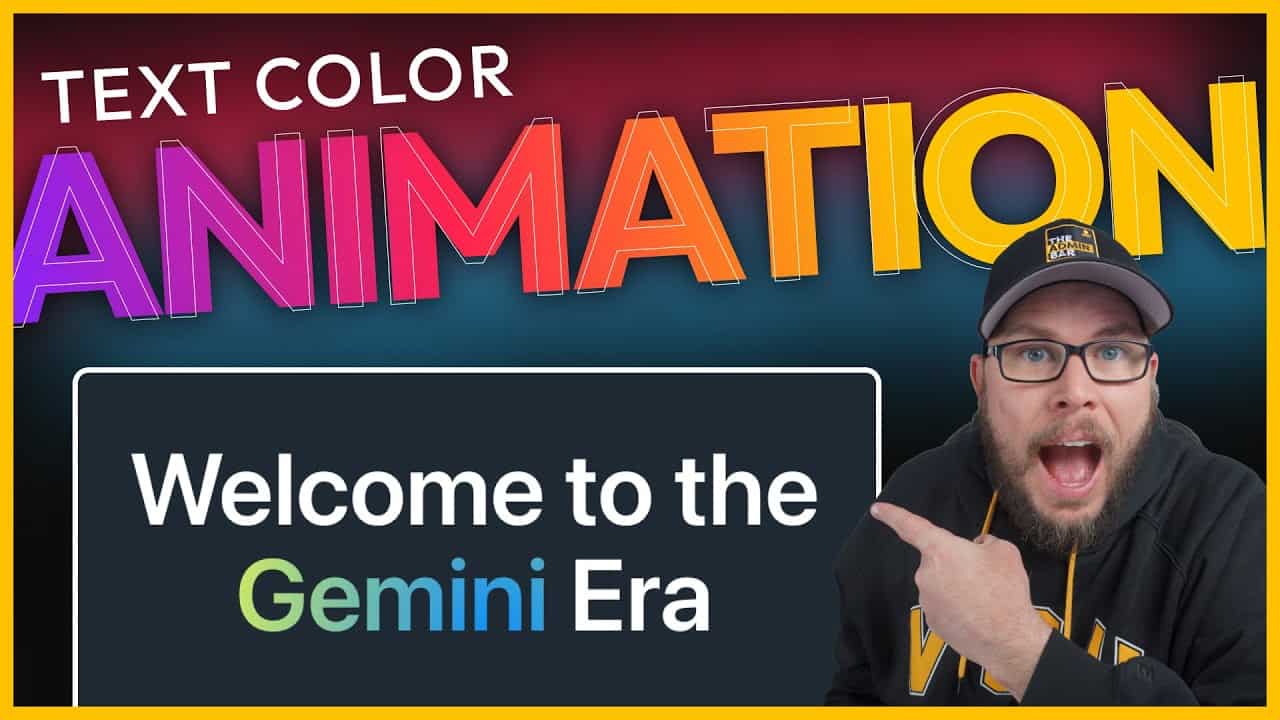
Text color animation

This content contains affiliate links. View our affiliate disclaimer.

Recently, I’ve been exploring animations, and one effect caught my attention: the animated background text featured on Google’s Gemini landing page. Google’s implementation is quite complex, using an image to mask the text. I wanted to see if I could replicate a similar effect—about 90–95% of the look—but with far less code.

In this guide, I’ll show you how to create animated background gradient text using just a few lines of CSS. It’s a subtle yet eye-catching way to add animation to your website without going overboard.
Youtube video

Setting Up the Basics

To start, I’ve created a simple section with an inner container. The container has a reduced max width to keep the text condensed, and I’ve applied a dark background to make the text stand out.

Next, I added an H1 element with the text “Welcome to the Gemini Era.” To make it visible, I set the text color to white and center-aligned it. I also applied a global style to make the headline larger.

Highlighting a Single Word

To apply the animated effect to just one word in the headline, I wrapped the word “Gemini” in a <span> element with a custom class. Here’s how you can do it:

  1. Click on the headline and select Edit as HTML.
  2. Locate the word you want to animate (in this case, “Gemini”).
  3. Wrap the word in a <span> tag with a class name, like this:

html

<span class="gemini">Gemini</span>
  1. Close the HTML editor and return to the visual editor. If everything is done correctly, the text should look the same as before.

Adding CSS

Now that the HTML is set up, it’s time to write the CSS. Open your site’s customizer and navigate to Additional CSS.

Step 1: Create the Gradient Background

First, target the .gemini class and define a radial gradient for the background. For this example, I used dodger blue and yellow, but you can customize the colors to match your brand.

css

.gemini {
  background: radial-gradient(circle, dodgerblue, yellow);
}

To make the gradient animate smoothly, increase the background size:

css

  background-size: 200% 200%;

Step 2: Write the Animation

Next, create a keyframe animation to move the gradient across the text.

css

@keyframes gemini {
  0% {
    background-position: 0% 0%;
  }
  50% {
    background-position: 100% 100%;
  }
  100% {
    background-position: 0% 0%;
  }
}

Apply the animation to the .gemini class:

css

.gemini {
  animation: gemini 15s linear infinite;
}

Step 3: Clip the Background to the Text

To make the gradient appear within the text, use the background-clip property:

css

  background-clip: text;
  color: transparent;

This clips the gradient to the text and makes the text color transparent, allowing the background to show through.

Adjusting the Animation

At this point, the animation is functional, but the speed may feel too fast. Slowing it down to 15 seconds creates a more subtle effect, which is ideal for most designs.

Wrapping Up

While this approach doesn’t replicate Google’s Gemini effect exactly, it achieves a similar look with far less code. The result is a clean, subtle animation that works well across browsers and won’t impact your website’s performance.

This method is perfect for adding a touch of animation to your site without overwhelming your design. Give it a try, and feel free to experiment with different colors, speeds, and gradients to make it your own!

Kyle Van Deusen

The Admin Bar

After spending 15 years as a graphic designer and earning a business degree, I launched my agency, OGAL Web Design, in 2017. A year later, after finding the amazing community around WordPress, I co-found The Admin Bar, which has grown to become the #1 community for WordPress professionals. I'm a husband and proud father of three, and a resident of the Commonwealth of Virginia.

Come Join Us!

Join the #1 WordPress Community and dive into conversations covering every aspect of running an agency!

Join Group

Kyle Van Deusen

Community Manager

Latest Events

February, 26th, 2026

Code Snippets Are Slowing Down Your Website

Why Perfmatters Built a Performance-First Snippet Manager

January 20th, 2026

Revolutionizing How Small Agencies Grow Their Business Efficiently

September 16, 2025

Termageddon 2.0

Better Tools, Smoother Workflows, Happier Clients
Tpdc onblue

Learn a proven discovery framework to transform casual leads into high-paying clients.

View the Course
The Friday Chaser

Wash down the week with the best of The Admin Bar! News, tips, and the best conversations delivered straight to your inbox every Friday!

Subscribe Today

More Articles

Customer support help desk icon with a question mark on a yellow background.
May 25, 2026

The Best Help Desk Tools for Web Agencies

WordPress agency owners share the support tools they actually use — and why getting requests out of your inbox is the move that changes everything.

A smiling man with glasses and a gray hoodie outdoors.
May 25, 2026

Member Spotlight: Markus Chvojka

Markus Chvojka has one of those backgrounds that makes a lot of sense once you hear …

A smiling man with glasses and a patterned shirt, member profile on The Admin Bar website.
May 20, 2026

Member Spotlight: Mayank Majeji

Mayank Majeji’s story feels a lot like the way many of us got into this industry: …

2025phone

Join the #1 WordPress Community

The Admin Bar community is at the heart of what we do. Join in on the daily conversation and get involved.

Request Membership
The Admin Bar logo.

Explore

Community

Events

Articles

Products

Newsletter

Agency Report Card

Care Plan Toolkit

Noted!

Barfly Login

Policies

Privacy Policy

Terms of Service

Affiliate Agreement

Affiliate Disclaimer

Accessibility Statement

Privacy Settings

Misc.

Advertise

Login

Contact

Hosted with Rocket.net

© 2017-2026 The Admin Bar (a Division of OGAL Web Design) — All Rights Reserved

The Admin Bar logo.
  • Get Involved
    • Facebook Group
    • Barfly Community
    • TABLE Mastermind
  • Learn
    • 2026 Survey
    • Articles
    • Events
    • Newsletter
    • YouTube
    • WordPress Professionals Survey
    • SEO Weekly
    • Security Weekly
    • Accessibility Weekly
  • Products
    • The Paid Discovery Class
    • Website Owner’s Manual
    • Agency Copilot
    • Website Pricing Calculator
    • Agency Airtable Pack
    • Prospect Pipeline Challenge
    • Easy-Peasy Proposal
    • TAB Swag
  • About
  • Free Stuff
YouTube Facebook
Sell More Care Plans