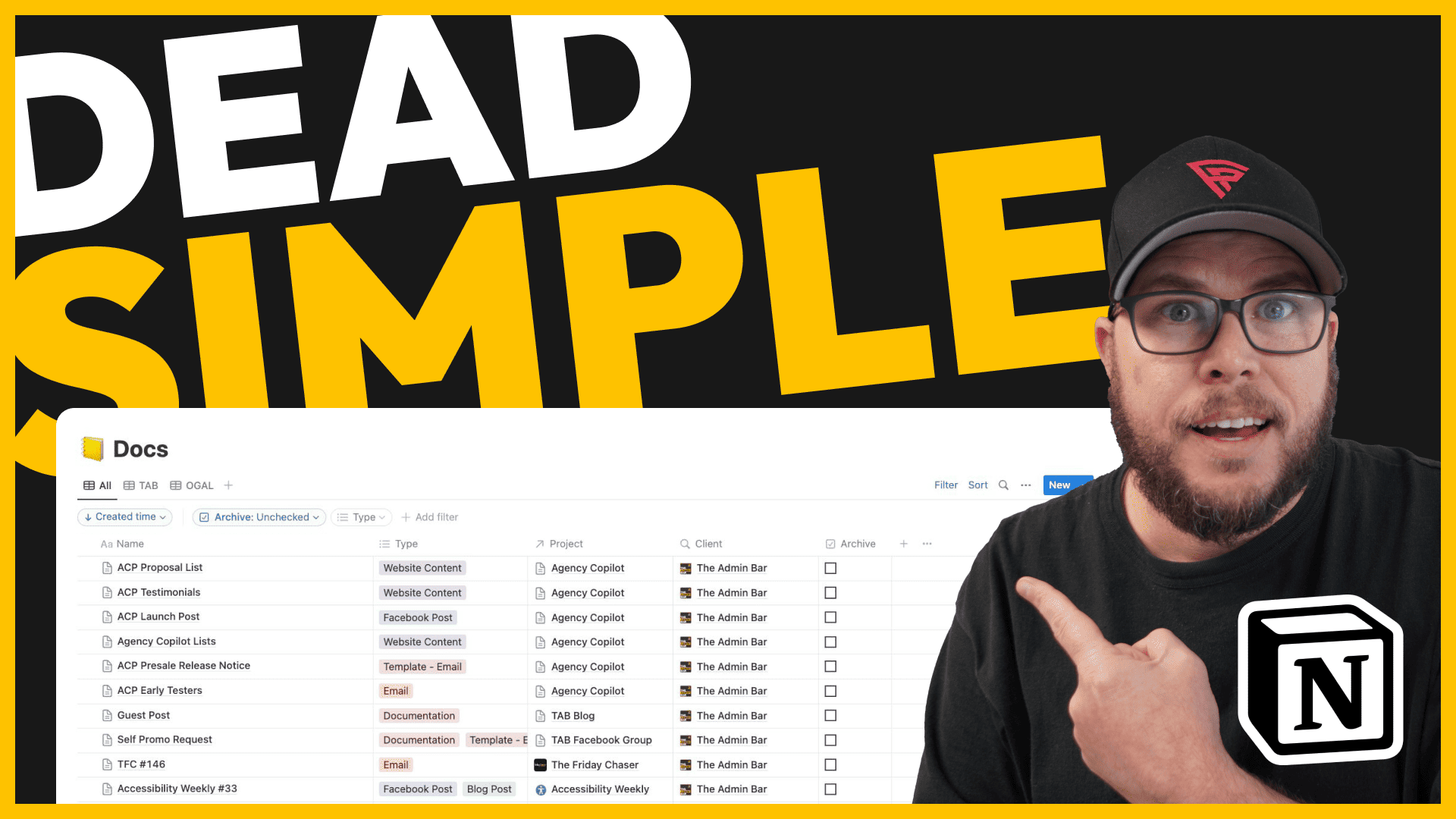
Unlock Ultimate Organization with Notion: A Dead-Simple Workflow Alternative to Google Docs

Are you tired of losing your documents in the vast expanse of Google Docs? Join me as I unveil a straightforward Notion setup that’s revolutionized my document management. After switching to Notion …

Published:

Filed Under:

Tools

Kyle Van Deusen

The Admin Bar

After spending 15 years as a graphic designer and earning a business degree, I launched my agency, OGAL Web Design, in 2017. A year later, after finding the amazing community around WordPress, I co-found The Admin Bar, which has grown to become the #1 community for WordPress professionals. I'm a husband and proud father of three, and a resident of the Commonwealth of Virginia.

This content contains affiliate links. View our affiliate disclaimer.

Are you tired of losing your documents in the vast expanse of Google Docs? Join me as I unveil a straightforward Notion setup that’s revolutionized my document management. After switching to Notion eight months ago, the clutter and chaos are things of the past. In this video, I will:

  • Share the key reasons behind my decision to transition from Google Docs to Notion.
  • Give you a tour of my minimalist yet effective Notion setup, highlighting three primary databases: Companies, Projects, and Documents.
  • Demonstrate how the interlinked nature of these databases creates an incredibly organized system, making it easy to sort, filter, and locate any document.
  • Explore Notion’s rich content capabilities, from embedding videos to creating nested pages and more.
  • Dive into Notion’s powerful templating feature, showing how it can save time and ensure consistency across your docs.

Whether you’re new to Notion or looking to simplify your existing workspace, this video will provide practical insights to achieve better organization without unnecessary complexities. Remember, it’s not about packing in countless features, but about creating a streamlined system that truly serves your needs.

Youtube video
Was this article helpful?

Kyle Van Deusen

The Admin Bar

After spending 15 years as a graphic designer and earning a business degree, I launched my agency, OGAL Web Design, in 2017. A year later, after finding the amazing community around WordPress, I co-found The Admin Bar, which has grown to become the #1 community for WordPress professionals. I'm a husband and proud father of three, and a resident of the Commonwealth of Virginia.

Use of AI: AI helps me outline, research, catch typos, and find better words & phrases. I take full personal responsibility for all my published content (the good, the bad, and the em dashed).


Come Join Us!

Join the #1 WordPress Community and dive into conversations covering every aspect of running an agency!

Kyle Van Deusen

Community Manager

Latest Events

July 27th

The $30,000 Mistake Hiding in Your Cookie Banner

A Live CIPA Training for WordPress Agencies, with Termageddon's Hans Skillrud

July 16, 2026

You Don’t Have to Leave WordPress to Work With AI

AI and WordPress don't have to be at odds. See how InstaWP's MCP connects WordPress to the AI tools you're already using — live demo, real Q&A, and a real answer to the security question.

June 18th, 2026

WP Umbrella’s Biggest Evolution Yet

Join Aurelio Volle for a live walkthrough of WP Umbrella V3 — new dashboard, bulk views, backup engine, and more. June 18th at 12:30pm Eastern.
Tpdc onblue

Learn a proven discovery framework to transform casual leads into high-paying clients.

View the Course
The Friday Chaser

Wash down the week with the best of The Admin Bar! News, tips, and the best conversations delivered straight to your inbox every Friday!

More Articles

Logo of The Admin Bar WordPress theme with a paint roller icon on a yellow background.

The 8 Best WordPress Theme for Web Agencies

WordPress agency owners share the themes they actually build with — from the GeneratePress faithful to the Bricks converts, and everyone still hanging on to Kadence.

Human hand reaching out to robotic hand against blue background.

How to Edit AI Website Copy Like a Copywriter

Using AI website copy for clients? Learn the checks, edits & prompting tips that help you catch AI tells & turn rough drafts into client-ready website copy.

Group of four people outdoors, engaged in conversation, with a blue sky background.

Is The New AI Tool a Creep? A Privacy Checklist Before You Let It Near Your Client’s Website

Before you let a shiny new AI tool near your client’s website, run it through this privacy dating checklist. No red flags, no regrets.